About Endacopia
A surreal indie adventure set in a bizarre consumerist world.
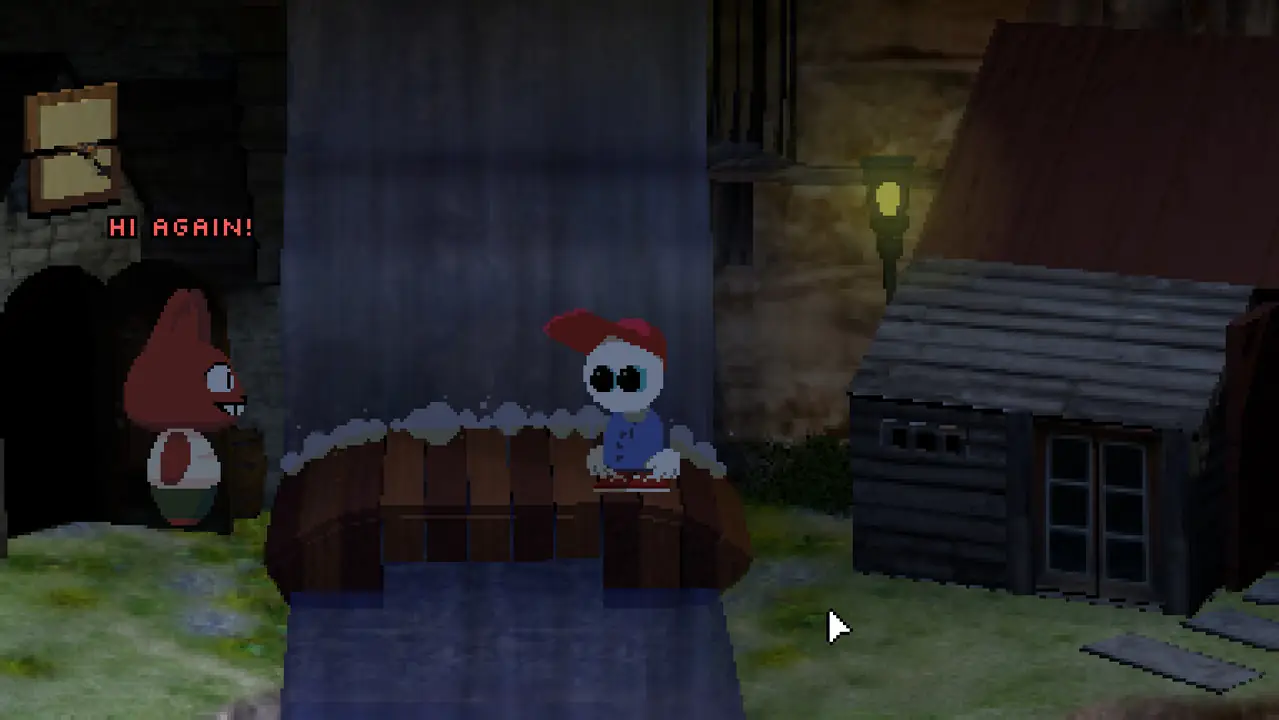
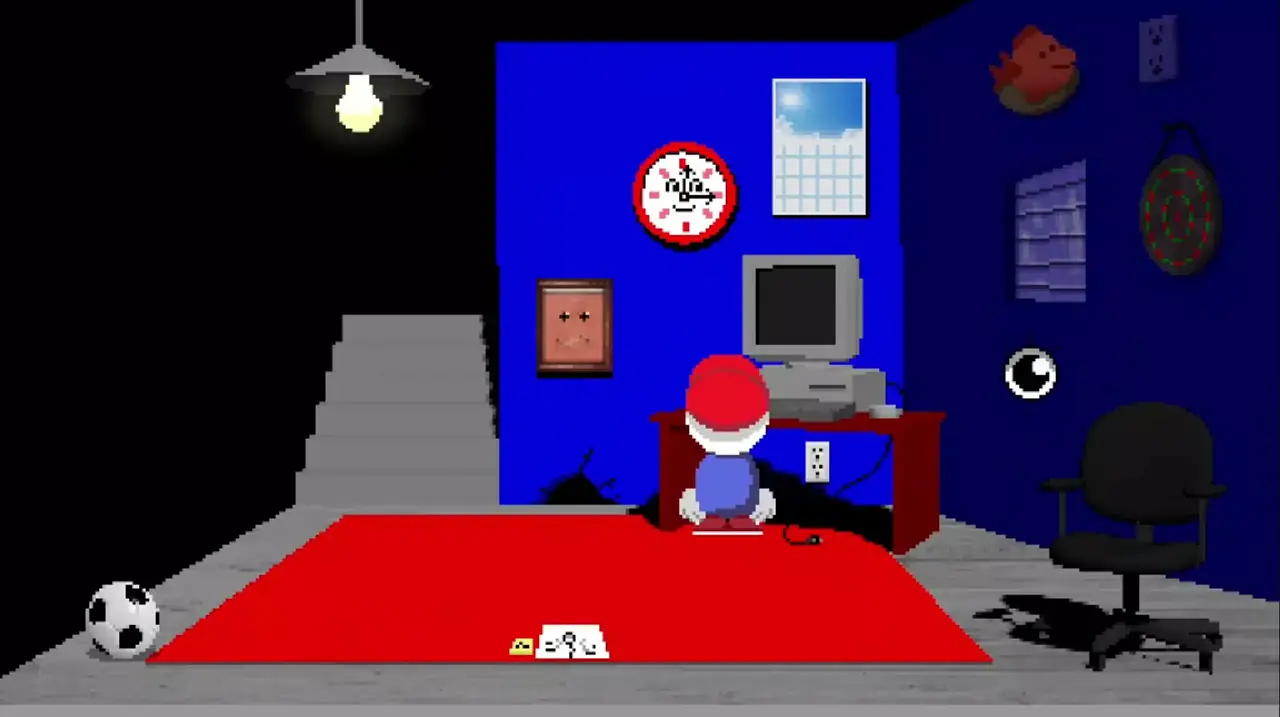
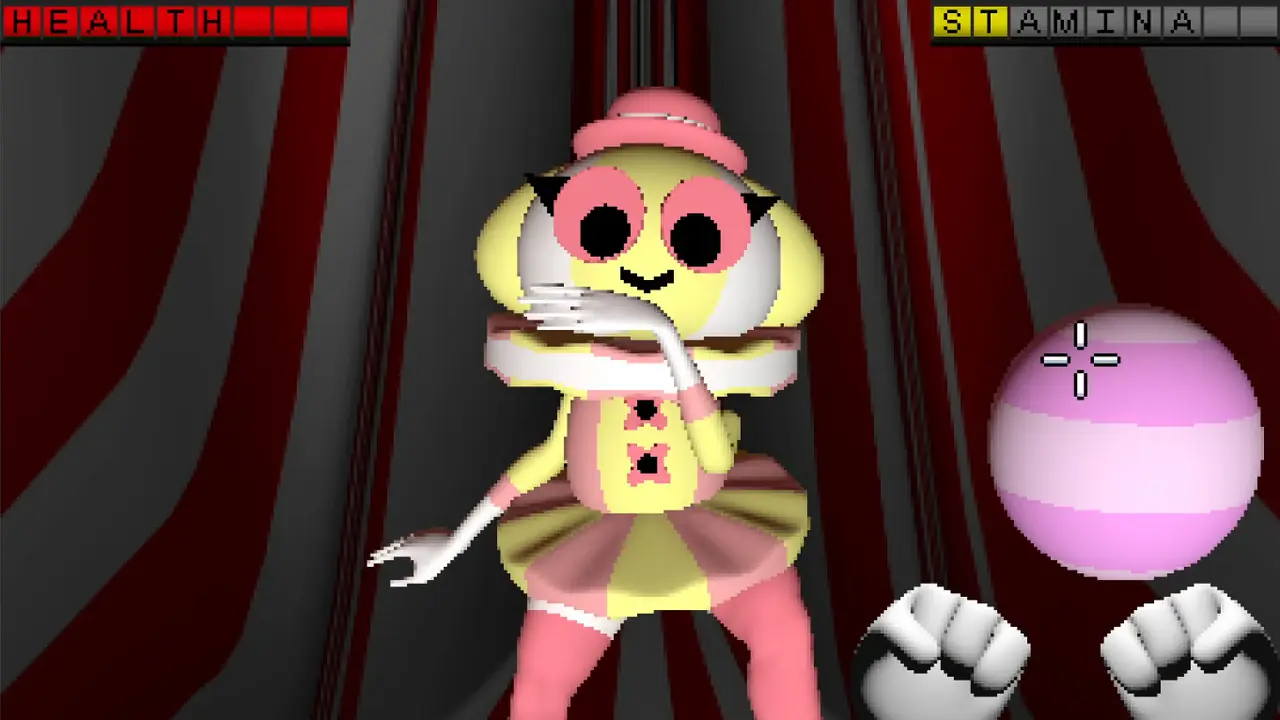
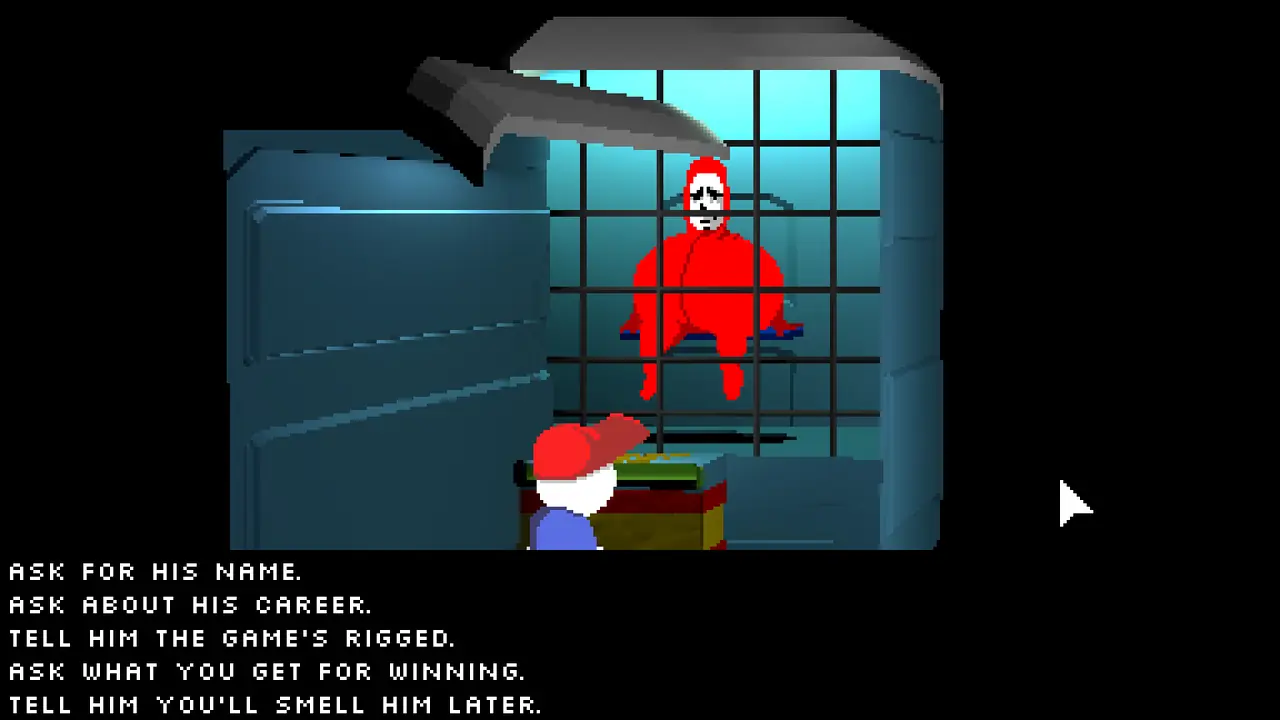
Endacopia is a strange, satirical indie adventure in which you wander through a bizarre city built around consumption and corporate mascots, talking to odd characters and uncovering its secrets.
Expect surreal humour more than challenge. The browser build is an unofficial web port: loading can take a while, and a keyboard and mouse are recommended.
Available browser projects
Endacopia at a glance
- Genre
- Adventure
- Original release
- 2025
- Developer
- andyl4nd
- Publisher
- andyl4nd
- Browser version
- gn-math.dev
- Price
- Free
- Download
- Not required — runs in the browser
- Devices
- PC or laptop with keyboard and mouse
- Online play
- No — single-player
How to play Endacopia in your browser
- Press Play in browser — the game opens on gn-math.dev in a new tab.
- Wait while the game files load. The first start can take from a few seconds to a few minutes depending on your connection; later starts are faster because the browser caches the files.
- Click inside the game window so it captures the keyboard and mouse, then switch to fullscreen (F11 or the host's fullscreen button).
- Open the in-game settings to adjust controls, graphics and sound. Progress is normally kept in your browser storage, so don't clear site data if you want to keep your saves.
Endacopia controls
Default layout for this browser version. Keys can differ between builds, and most hosts let you rebind them in the settings. A USB or Bluetooth gamepad usually works too.
| Action | Key |
|---|---|
| Use / interact | Left click |
| Zoom | Mouse wheel |
| Menu / pause | Esc |
What to expect from the browser version
The browser version of Endacopia is an independent web project — a port, recompilation or fan remake — hosted on gn-math.dev. It is not an official release from andyl4nd, and MePlayable does not host any game files: we describe the game and link to the project.
Because the game runs inside a browser tab, some features of the 2025 original may be missing or work differently: online modes, cutscenes, saves, mods and graphics options depend on the build. If something doesn't work, check the host's own notes.
Requirements
A modern desktop browser — Chrome, Edge, Firefox, Opera or Safari 16+ — with WebAssembly and WebGL enabled, at least 4 GB of RAM and a stable connection for the first load. Hardware acceleration should be switched on in the browser settings.
If Endacopia doesn't start
- Black screen or endless loading — update the browser, enable hardware acceleration and reload the page with Ctrl+F5.
- No sound — click inside the game window: browsers only allow audio after you interact with the page.
- Lag or low FPS — close other heavy tabs and programs, then lower the resolution or graphics settings in the game.
- The site doesn't open — the host may be temporarily down or blocked in your region. Try again later or use another project link on this page.
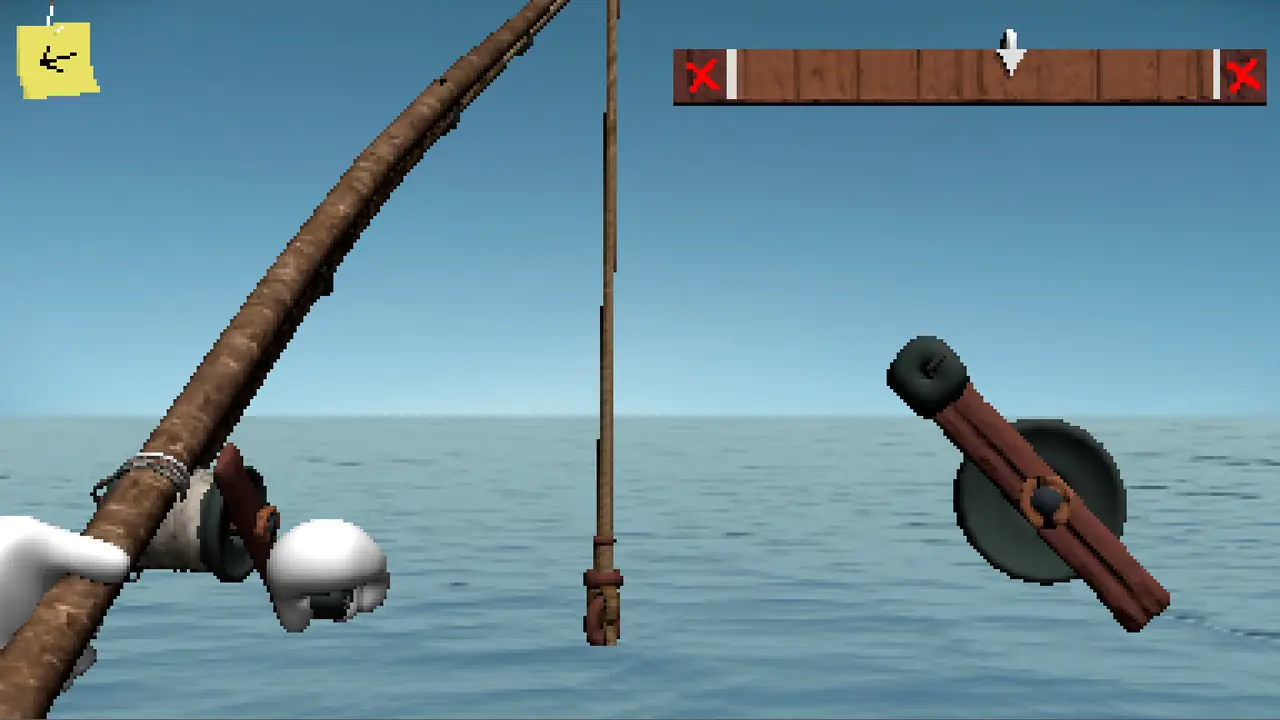
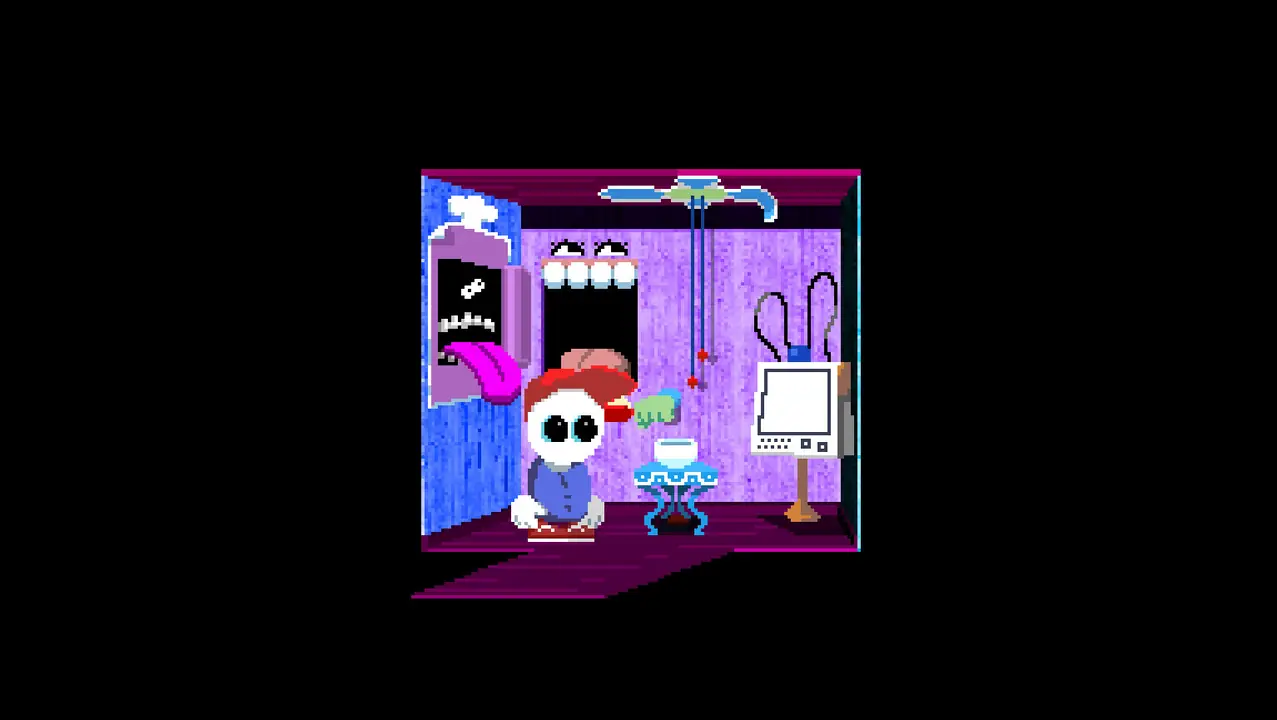
Screenshots (6)
Videos and trailers
Endacopia: frequently asked questions
Which site hosts the browser version of Endacopia?
The playable web version of Endacopia runs on gn-math.dev. MePlayable doesn't host game files: we check the link, explain controls and point you to the project page.
Can I play Endacopia online for free?
Yes. The browser version on gn-math.dev is free to open, and MePlayable doesn't charge anything — we simply link to the project.
Do I need to download Endacopia?
No. Endacopia runs directly in a browser tab using WebAssembly and WebGL, so there is no installer and nothing to download. The browser only caches files to make the next launch faster.
Can I play Endacopia on a phone?
The browser version is made for computers and expects a keyboard and mouse or a gamepad. Some phones and tablets can open it, but performance and touch controls are not guaranteed.
Can I play Endacopia with friends?
No. Endacopia is a single-player game, and the browser version focuses on the solo experience.
Is this the official Endacopia?
No. The original Endacopia was developed by andyl4nd and released in 2025. The browser version is a third-party project, and all rights to the game belong to their owners.
Will my progress be saved?
Usually yes: saves are stored in your browser's local storage on this device. They are lost if you clear browser data, use private mode or switch to another browser or device.


THE COMMUNITY
Comments